
RPG Maker MV - PS4


ESRB Rating: E (Everyone) 10+
Release Date: 11-15-2018
Moby Score (1-10): 7.3
Genre(s): Role-playing (RPG), Anime / Manga, Diagonal-down
Media Type(s): Physical
POWERFUL enough for a developer SIMPLE enough for a child VERSATILE enough for any platform!
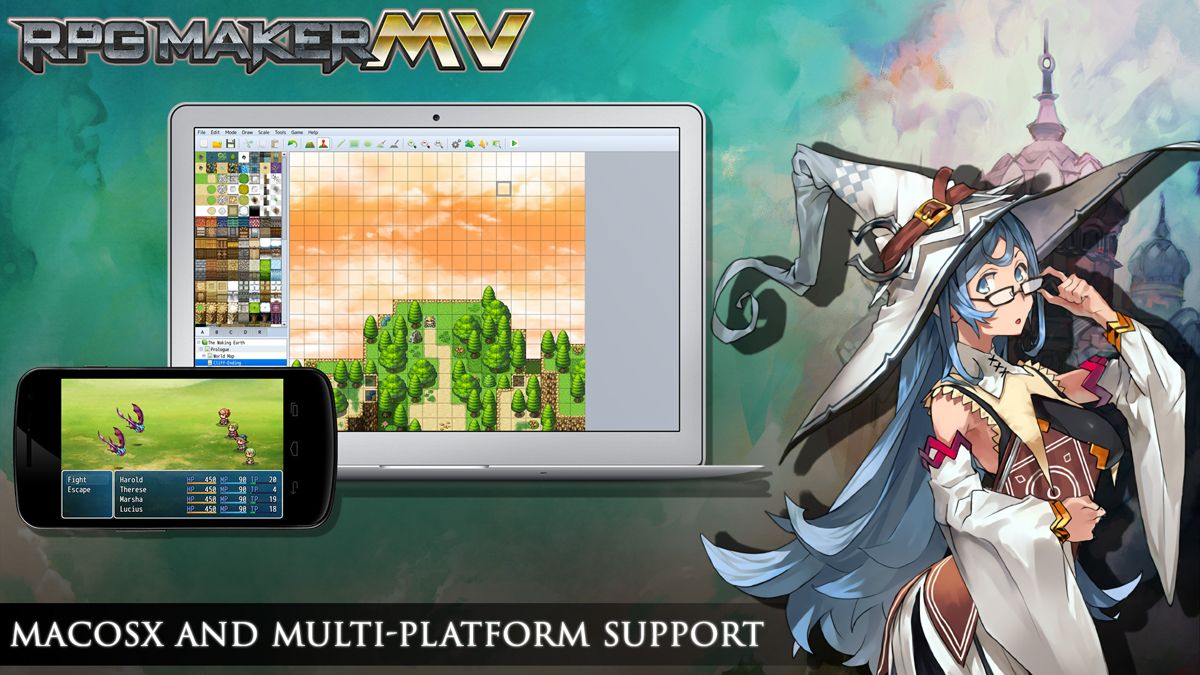
For years, RPG Maker has been the easiest way to make your own Windows PC Roleplaying game. We have strived to give everyone, regardless of experience or skill level, the tools to make a game they could be proud of. Now, with RPG Maker MV, your game isn't just on Windows PC, its on the move. Make your game on your Windows or OS X PC, and then deploy it for iOS, Android, Windows, OS X, or even to play in a browser using HTML5!
MAKE GAMES FOR THE PLATFORMS YOU WANT FROM ANY PC
RPG Maker MV can run on both Windows and Mac OS X PCs. Users can also export games for the following platforms:
- Windows/EXE
- MacOSX/APP
- Android/APK
- iOS/IPA
- HTML 5 for Web Browsers
BUILD YOUR WORLD WITH AN IMPROVED MAP EDITOR
RPG Maker MV uses a user-friendly​ map system to help you build the RPG world of your dreams. With an additional automated upper layer, mapping in MV is even easier than before.## MAKE YOUR WORLD LIVE WITH A SIMPLE EVENT SYSTEM
In RPG Maker MV, you use the simple, intuitive event system to bring your world to life. You can easily and quickly create NPCs for your characters to interact with, puzzles for them to solve, and quests for them to complete.## GET STARTED IMMEDIATELY WITH BUILT-IN RESOURCES
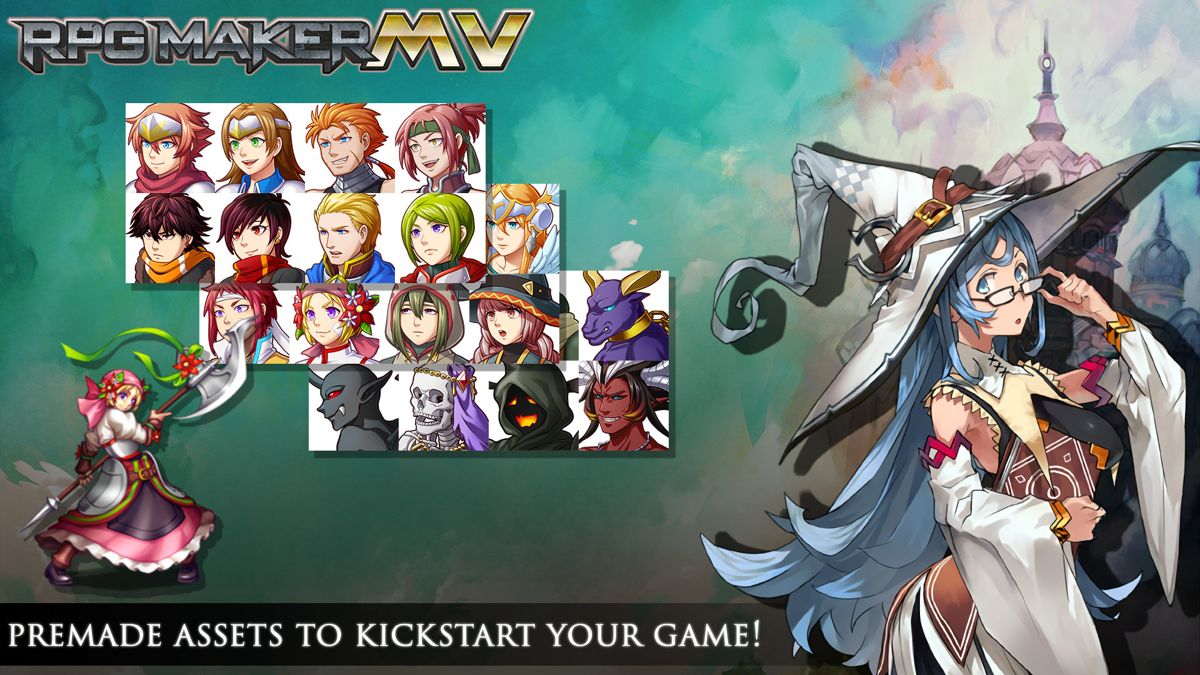
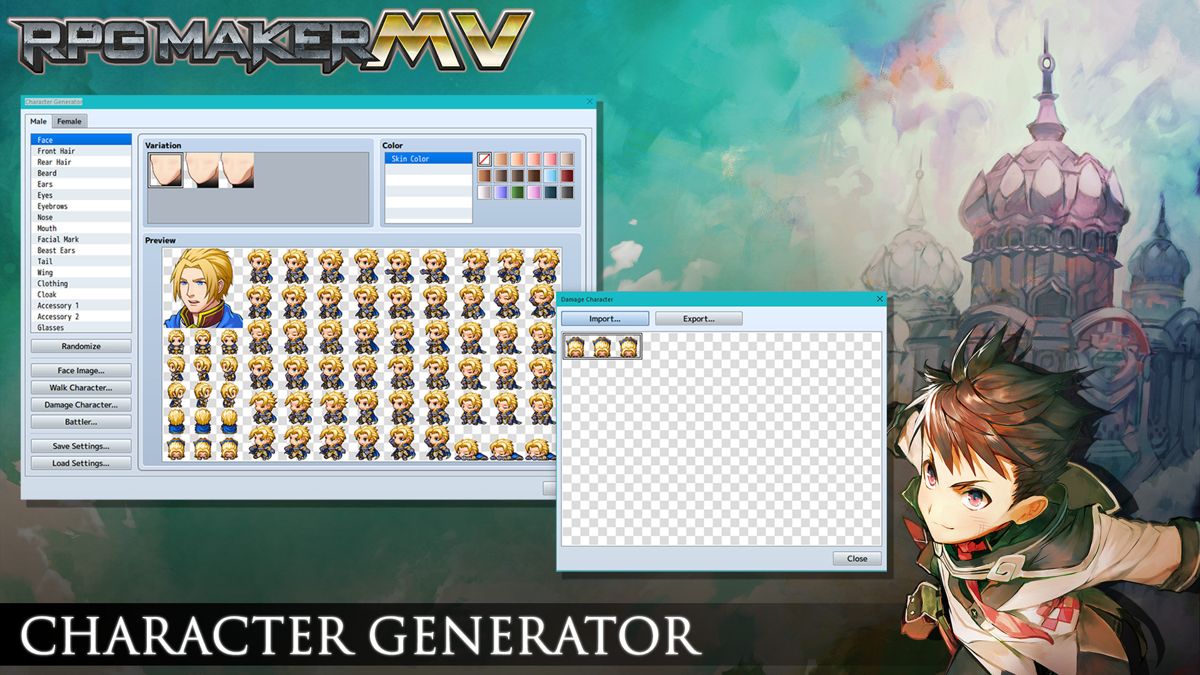
RPG Maker MV, like previous RPG Makers, comes with its own graphic and audio resources for you to use in your game. From sprites to battlers, from sound effects to music. MV comes with resources for both Fantasy and Sci-fi games, and you are easily able to add more.## USE TWO DIFFERENT BATTLE MODES, RIGHT OUT OF THE BOX
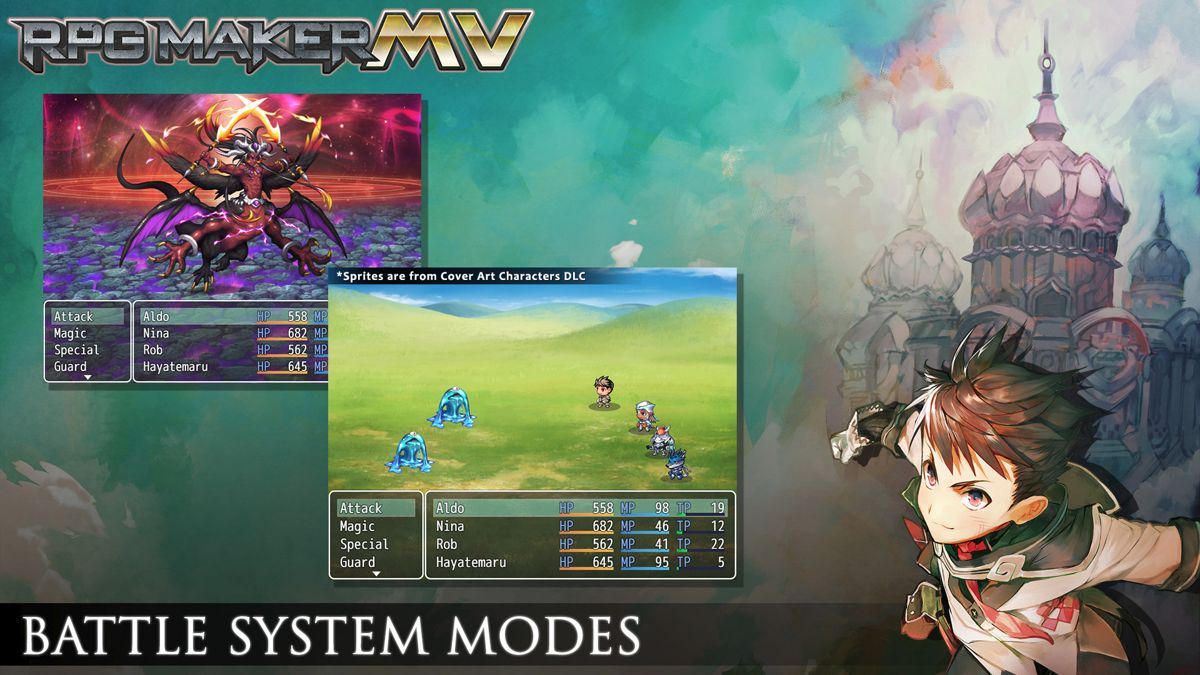
With a tick of a checkbox, you can switch between the classic Front View Battle to a Side View Battle system.## USE A MOUSE OR TOUCH SCREEN TO PLAY YOUR GAMES
Tired of playing RPG Maker games with your keyboard? With RPG Maker MV, your game will allow the player to play the game with a flick of their mouse, or using a touch screen.## SEE YOUR GAME IN HIGHER RESOLUTION
RPG Maker MV can show more than ever before. With a default 1.5x the resolution, sprites can show more emotion and the scenery can be more detailed than ever before.## USE PLUGINS TO MAKE A FULLY CUSTOMIZED GAME
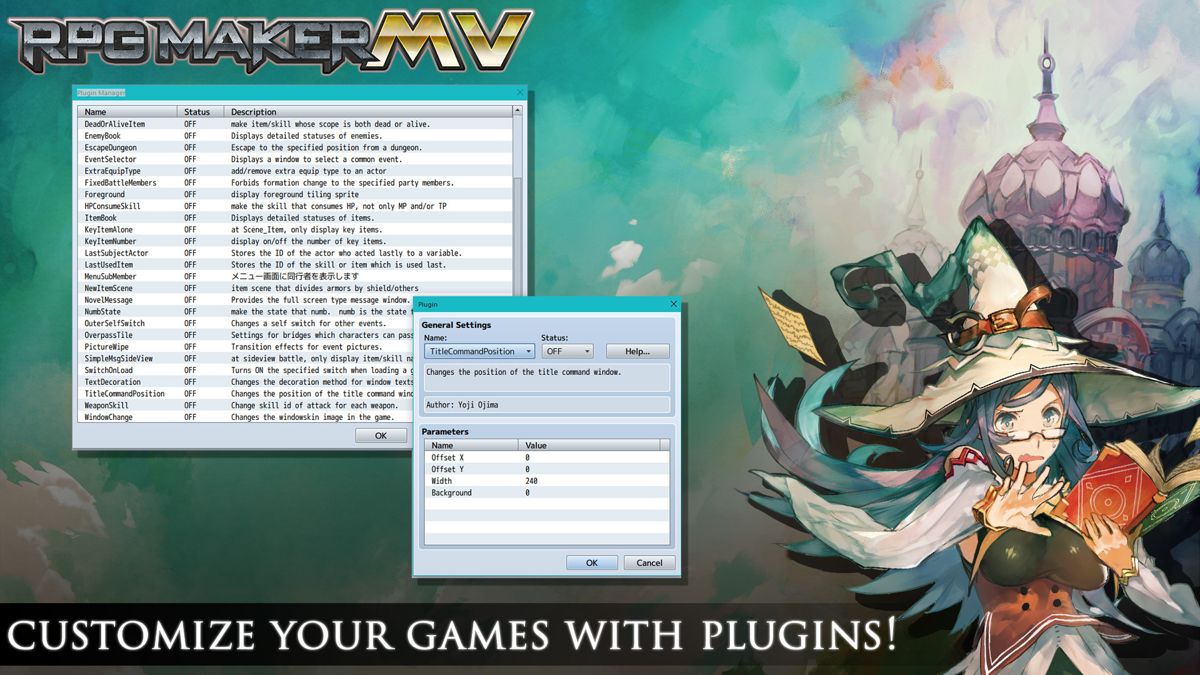
Want to customize your game even FURTHER? Use plugins to change things the way YOU want them. You can get them from us, get them from other fans, or master JavaScript to make your own! With our new plugin manager, you can just drop in the .js file of a plugin, and then configure it directly in the editor.
RPG Maker MV is a single-player role-playing game creation tool that allows players to design, build, and share their own role-playing games.
The player takes on the role of designer, creating a game and shaping a world by placing maps, characters, enemies, and events. Games built with the software can range from small stories to large-scale adventures, with the designer determining objectives, quests, and progression.
Much of the experience/system revolves around a tile-based map editor, where towns, dungeons, and overworlds are assembled from preset tilesets. Characters are assigned attributes such as hit points, attack power, and skills. Enemies are configured in the same way, allowing the creator to determine combat encounters. The built-in database organizes items, equipment, and spells, all of which can be customized or replaced.
Combat in the games made with RPG Maker MV follows a traditional turn-based role-playing system. Battles present party members and enemies in a menu-driven interface where players select attacks, magic, or items. The creator can choose the party size, skill progression, and battle balance. Random encounters and scripted battles are both supported, with placement determined by the designer.
Characters can level up and gain new abilities based on defined parameters. Quests can be scripted with branching paths, optional objectives, and rewards. Inventory management mirrors classic role-playing conventions, with limits and item effects controlled through the database. Dialogue boxes, cutscenes, and branching choices can be arranged through the event editor, enabling moral decisions, puzzles, or alternate endings.
RPG Maker MV supports both mouse and keyboard controls for editing on PC, while console versions adapt the interface for gamepad navigation. Cross-platform functionality is limited: games made on PC cannot be transferred directly to console versions, though a separate “Player†application allows for distribution of PC-made projects.
As with previous titles in the series, RPG Maker MV allows users to extend its advanced functions through JavaScript. This enables modification of combat systems, menu layouts, and user interfaces beyond the default framework, giving creators additional freedom to shape their games.
*** Data by MobyGames.com ***
..

☼
☼

☼
☼
☼
☼
☼

× Some Disclaimers
× Video games are pre-owned unless otherwise specified
× Disc-based video games come with their case and cover art unless otherwise specified
× Cartridge-based video games come with just the cartridge unless otherwise specified
× CD & DVD based discs are resurfaced before we put them out for sale
We have a 30-day return policy for all Brand New Items, which means you have 30 days after receiving your item to request a return.
We have a 30-day replacement policy for all Pre-Owned Items, which means you have 30 days after receiving your item to have any malfunctioning part replaced with another of the same item.
To be eligible for a return of a Brand New Item, your item must be in the same condition that you received it, unworn or unused, and in its original packaging. You’ll also need the receipt or proof of purchase.
To start a return, you can contact us by calling the store at (518) 823-4471. If your return is accepted, we can either send you a return shipping label to your email address used for the purchase, as well as instructions on how and where to send your package, we will deduct the cost of the return shipping label from your final return value. Alternatively, you can use your own shipping method to return the items. Any items sent back to us without first requesting a return will not be accepted.
You can always contact us for any return question by calling the store at (518) 823-4471.
Damages and issues
Please inspect your order upon reception and contact us immediately if the item is defective, damaged or if you receive the wrong item, so that we can evaluate the issue and make it right.
Exceptions / non-returnable items
Certain types of items cannot be returned, like perishable goods (such as food, flowers, or plants), custom products (such as special orders or personalized items), and personal care goods (such as beauty products). We also do not accept returns for hazardous materials, flammable liquids, or gases. Please get in touch if you have questions or concerns about your specific item.
Unfortunately, we cannot accept returns on sale items or gift cards.
Refunds
We will notify you once we’ve received and inspected your return, and let you know if the refund was approved or not. If approved, you’ll be automatically refunded on your original payment method. Please remember it can take some time for your bank or credit card company to process and post the refund too.
 '
' '
' '
' '
' '
'