
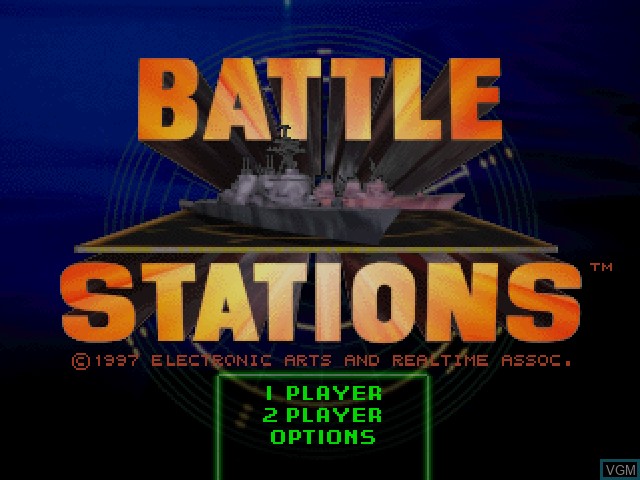
Battle Stations - PS1


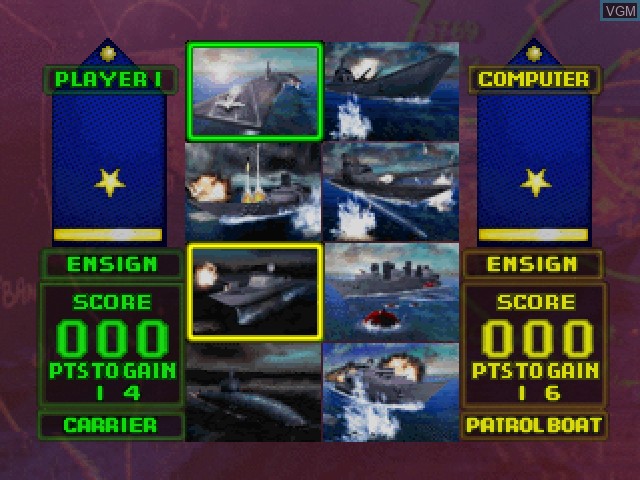
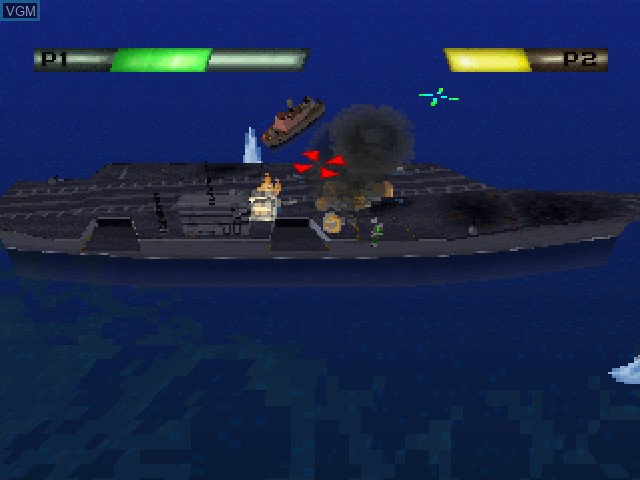
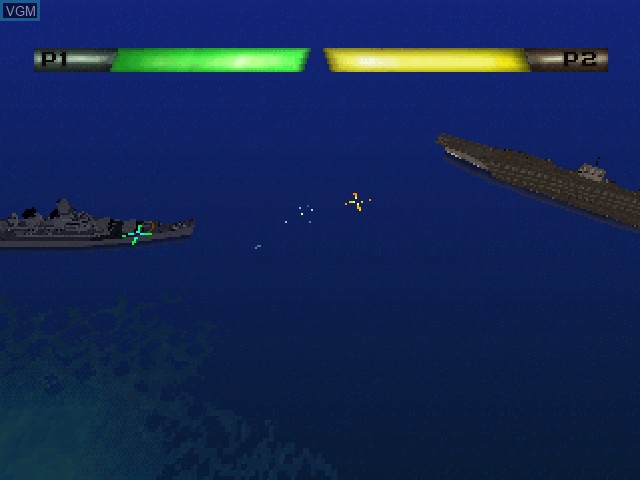
This naval combat game feature a 1 and 2 player game. The 1 player game is split between either Arcade or Campaign mode. The 2 player game is split between Arcade or War Games mode. The Campaign mode features 50 missions with objectives such as eliminating enemy supply convoys or carrying out a full scale assault on an opponent's homeland. The player then selects the admiral they want to fight in the battle. There are 5 opposing admirals and each admiral has their own set of skills on how they wage war. The Arcade mode lets 1 or 2 players choose their ship and then have a 1 on 1 ship battle. Players earn points for sinking their opponent's ships which will allow them to climb 10 naval ranks all the way from Ensign to Fleet Admiral. The War Games mode allows 2 players to play against each other in 26 different locations. Players can compete in these locations in three different ways. One way, is called war, with the objective to destroy every one of their opponent's ships. Another way, is to play capture the flag, which has the player trying to sink their opponent's flag ship and then return the flag back to their own harbor. The final way is called capture the harbor. This has the player attempt to drop marines, who are being carried inside a troop transport, off into their enemy's harbor, so the harbor can be attacked and captured. In this mode, players also get to choose between playing as one of several countries, or have a balanced or custom naval force. This choice affects the number of units of each type of ship the player starts the battle with.
.
.
We are a small business and do not offer free returns. We can generate return labels for your convenience and deduct the difference from the return of your item. If you are ordering pre-owned items please feel free request pictures ahead of time, just text our store number 58-823-4471.
We have a 30-day return policy for all Brand New Items, which means you have 30 days after receiving your item to request a return of an unopened and unused item.
We have a 30-day replacement policy for all Pre-Owned Items, which means you have 30 days after receiving your item to have any malfunctioning part replaced with another of the same item or store credit to use on another purchase.
To be eligible for a return of a Brand New Item, your item must be in the same condition that you received it, unworn or unused, and in its original packaging. You’ll also need the receipt or proof of purchase.
To start a return, you can contact us by calling the store at (518) 823-4471. If your return is accepted, we can either send you a return shipping label through Shopify to your email address used for the purchase, as well as instructions on how and where to send your package, we will deduct the cost of the return shipping label from your final return value. Alternatively, you can use your own shipping method to return the items. Any items sent back to us without first requesting a return will not be accepted.
You can always contact us for any return question by calling or texting the store at (518) 823-4471. Please include your name and order number if applicable.
Damages and issues
Please inspect your order upon reception and contact us immediately if the item is defective, damaged or if you receive the wrong item, so that we can evaluate the issue and make it right.
Exceptions / non-returnable items
Certain types of items cannot be returned, like perishable goods (such as food, flowers, or plants), custom products (such as special orders or personalized items), and personal care goods (such as beauty products). We also do not accept returns for hazardous materials, flammable liquids, or gases. Please get in touch if you have questions or concerns about your specific item.
Unfortunately, we cannot accept returns on sale items or gift cards.
Refunds
We will notify you once we’ve received and inspected your return, and let you know if the refund was approved or not. If approved, you’ll be automatically refunded on your original payment method, or to store credit as stated previously. Please remember it can take some time for your bank or credit card company to process and post the refund to you as well.
 '
' '
' '
' '
' '
'